Information
Role
Team Size
Time Frame
Engine
Game Developer
4 Developers
3 Months
Unity C#
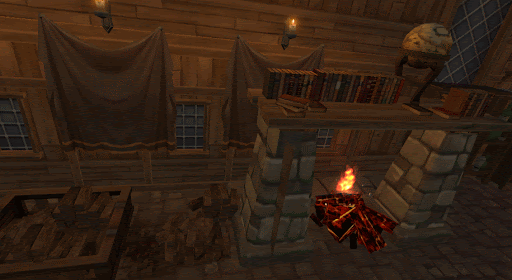
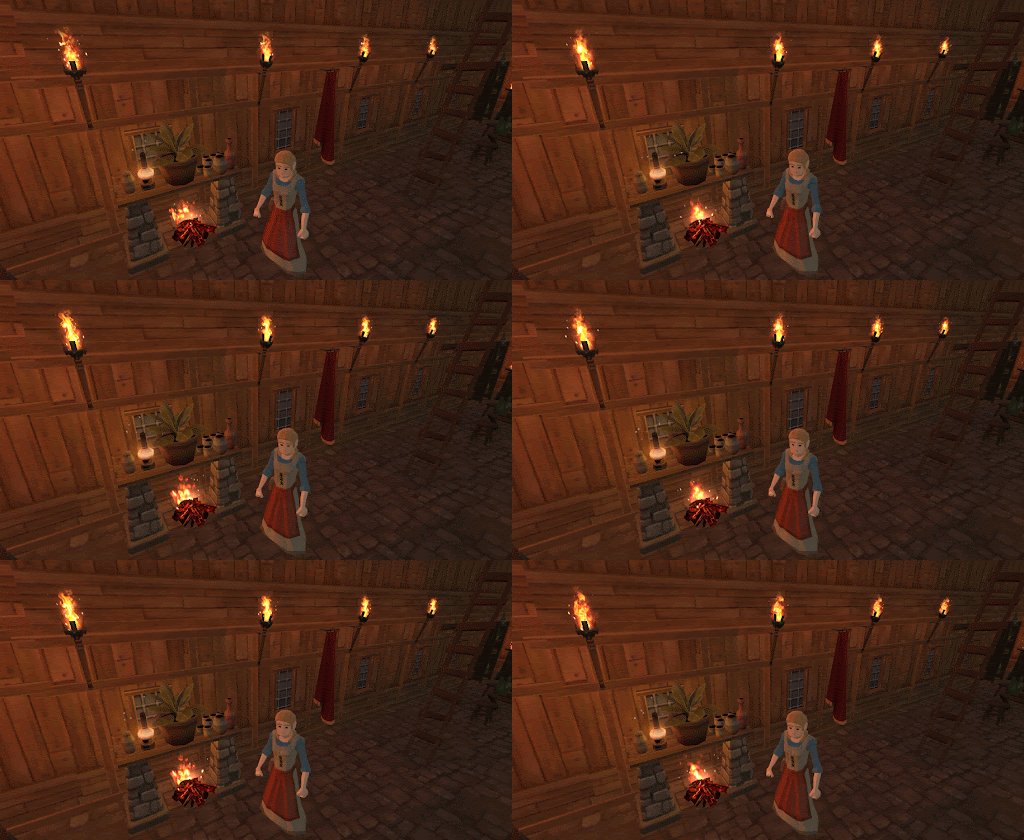
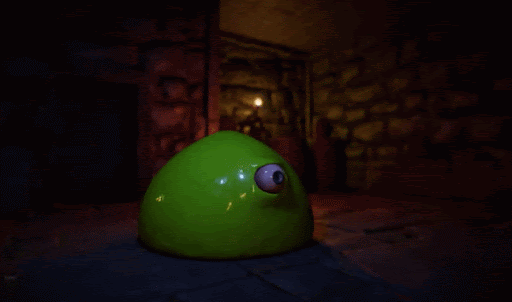
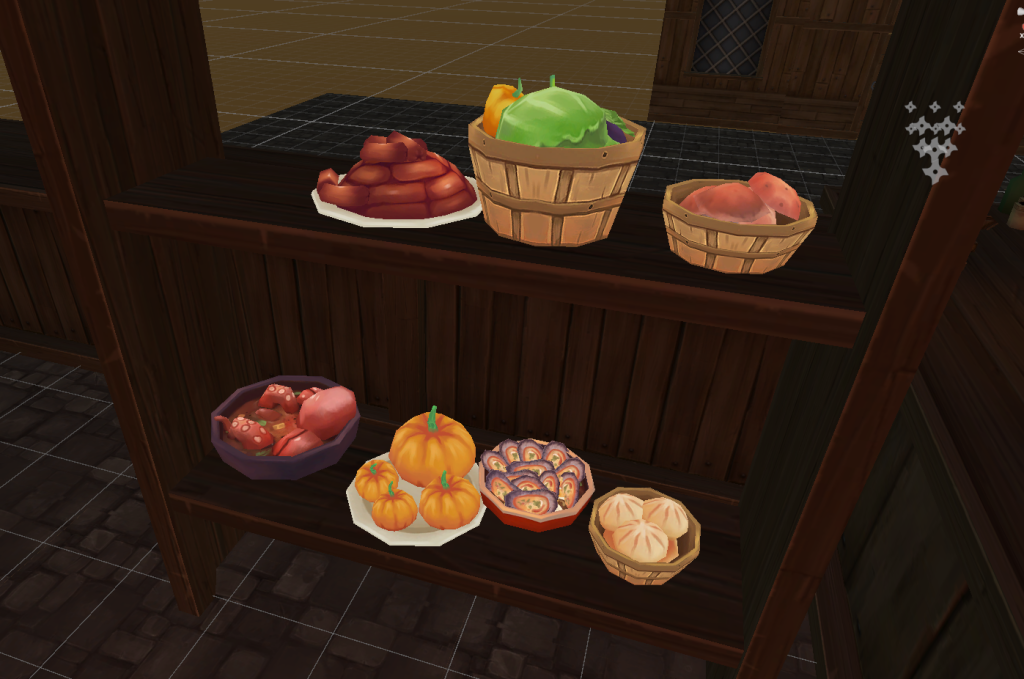
Chef’s Quest is a fast-paced cooking game developed as part of my portfolio project. In this game, players take on the role of a chef, trying to satisfy the never-ending demands of a difficult boss. Set in a chaotic kitchen environment, the game challenges players to prepare and serve dishes under time pressure, avoiding the chaos of an overwhelmed kitchen. The game was published on Itch.io, showcasing my work in game development.
Contributions
My contributions to the project spanned across several areas, including both design and programming. Working on this project allowed me to apply and expand my skills in a real-world setting, especially in gameplay systems and mechanics.
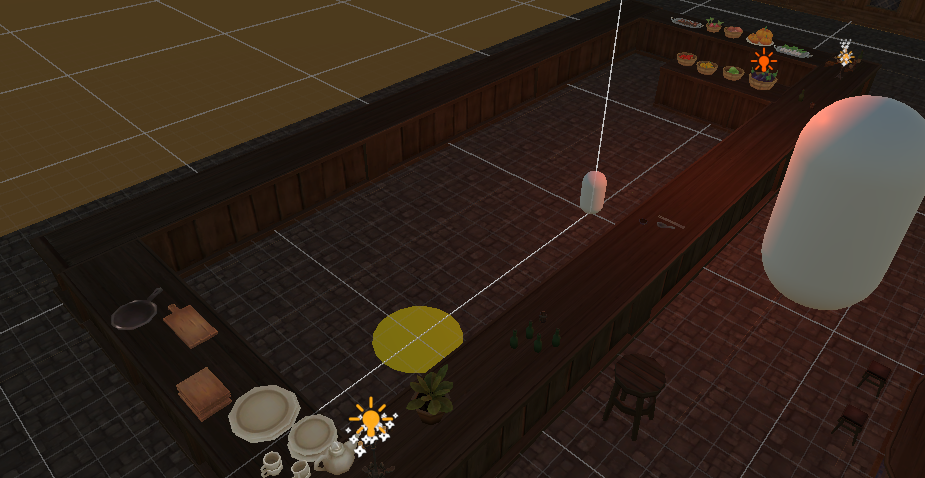
- Contributed to the Game Design Document (GDD), focusing on environment design and initial concepting.
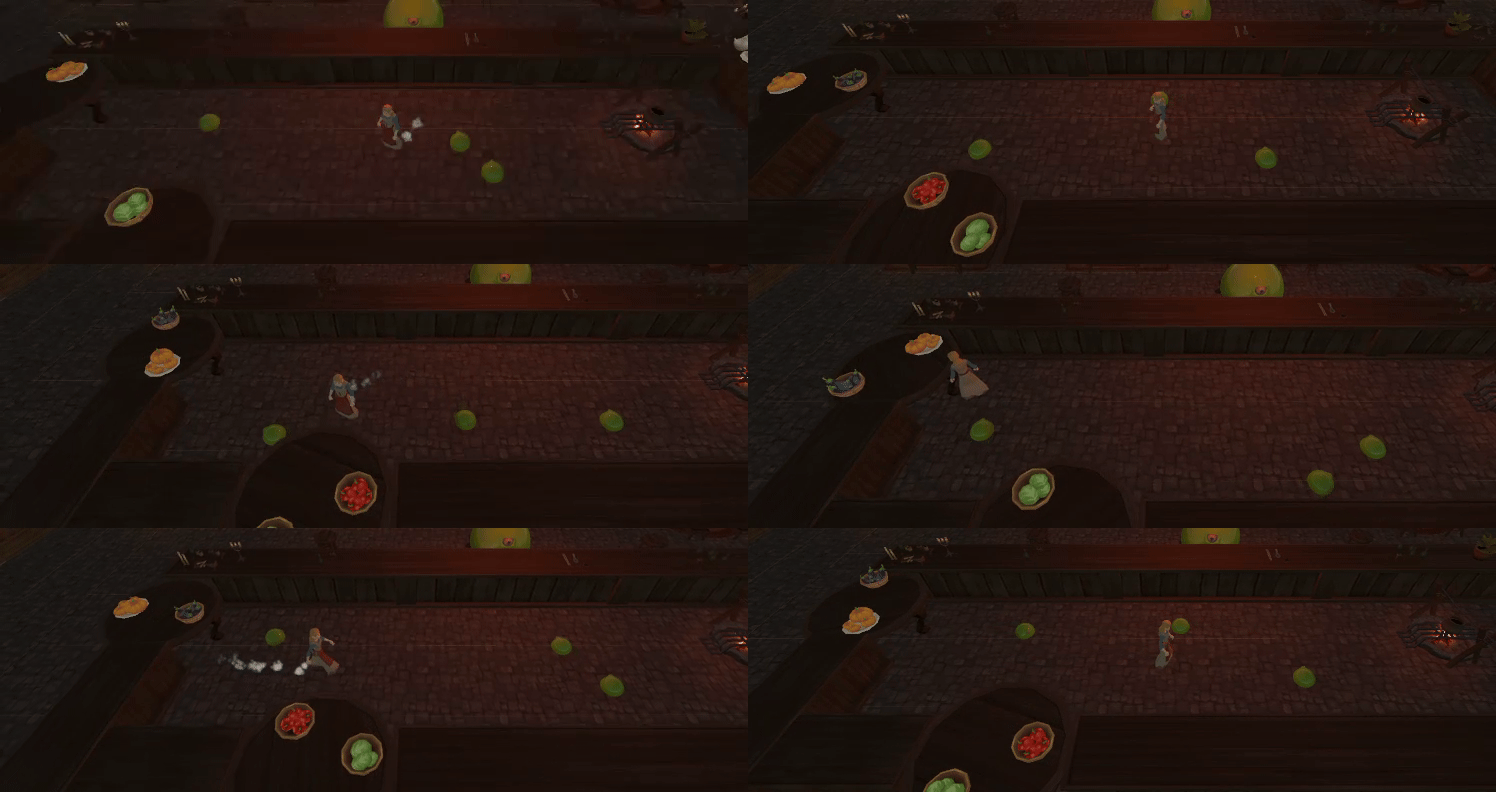
- Worked on the core gameplay mechanics, including programming the player movement system and the mini-slime NPC movement, ensuring fluid interactions within the game environment.
- Implemented rotating tables, an essential feature that added dynamic gameplay, as food was placed on rotating surfaces.
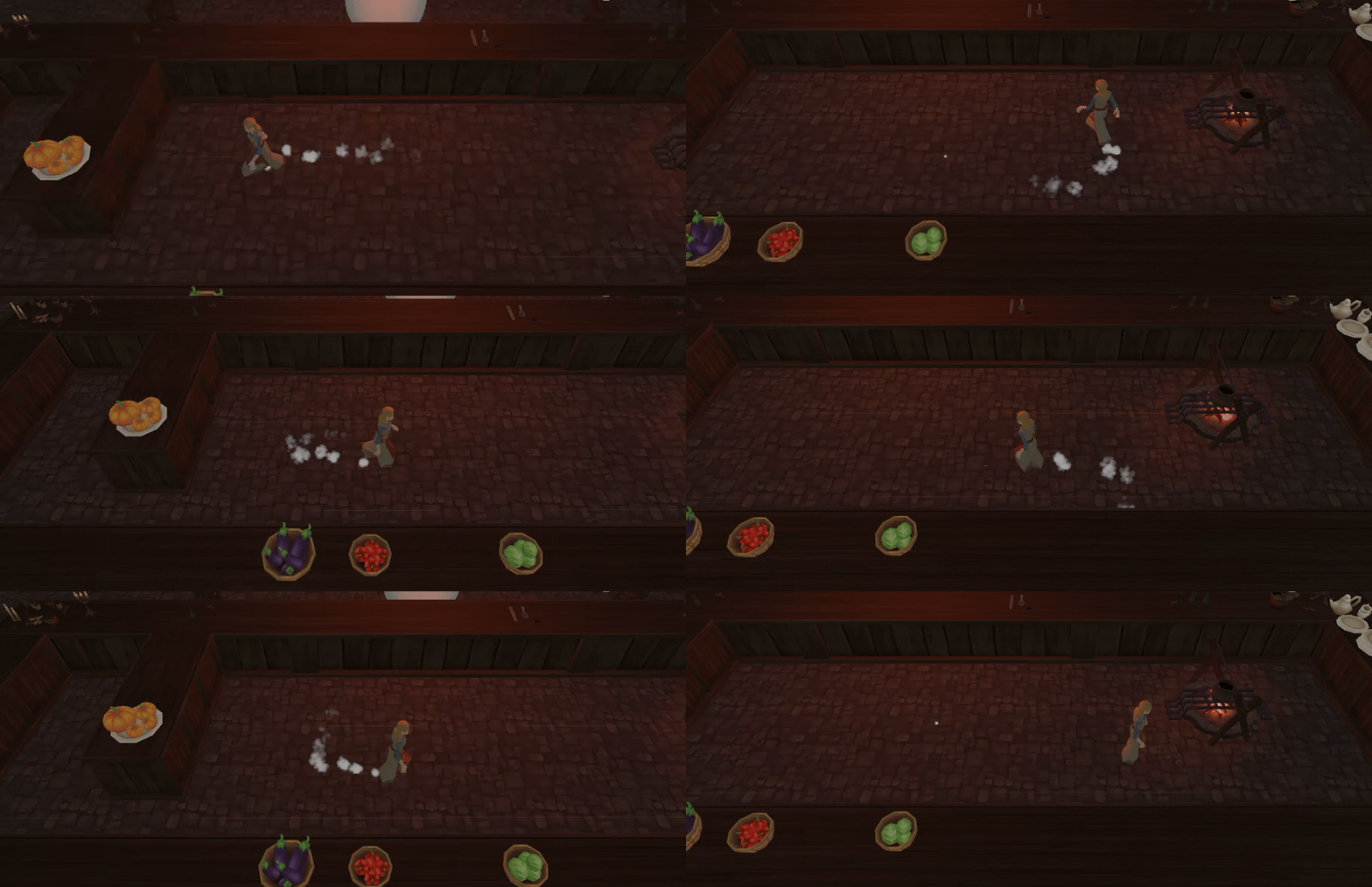
- Designed and implemented particle effects for the player, enhancing visual feedback and gameplay immersion.
- Assisted in refining the overall game experience through iterative testing and balancing.
While I made substantial progress with coding and gameplay systems, I also learned the importance of iterating on concepts and maintaining clean, scalable code. This project reinforced the value of thorough design planning and the necessity of balancing technical and creative aspects of game development.
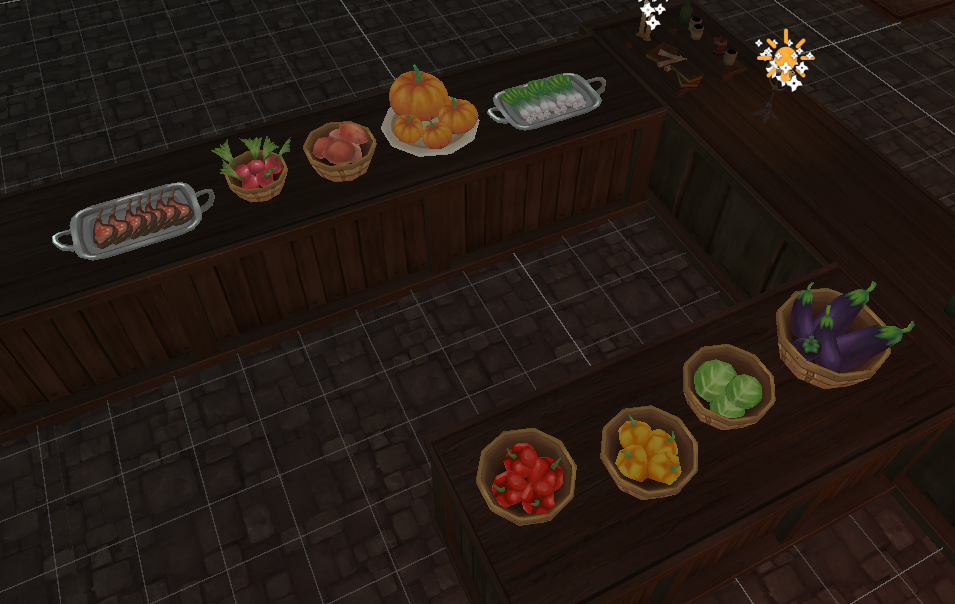
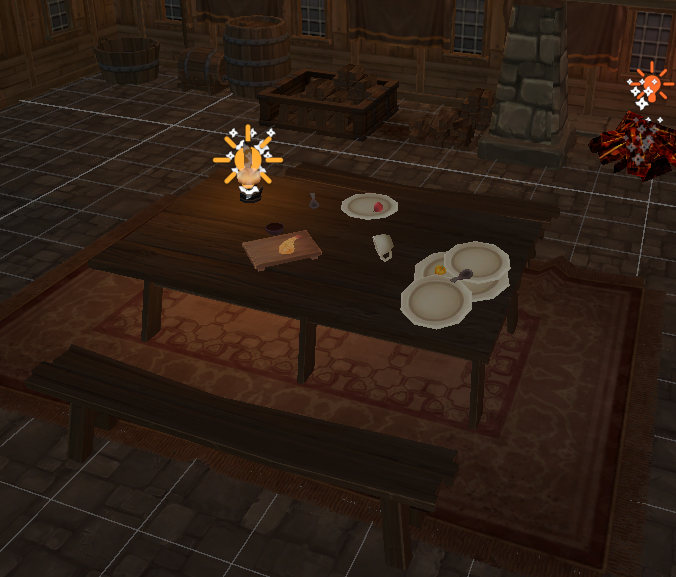
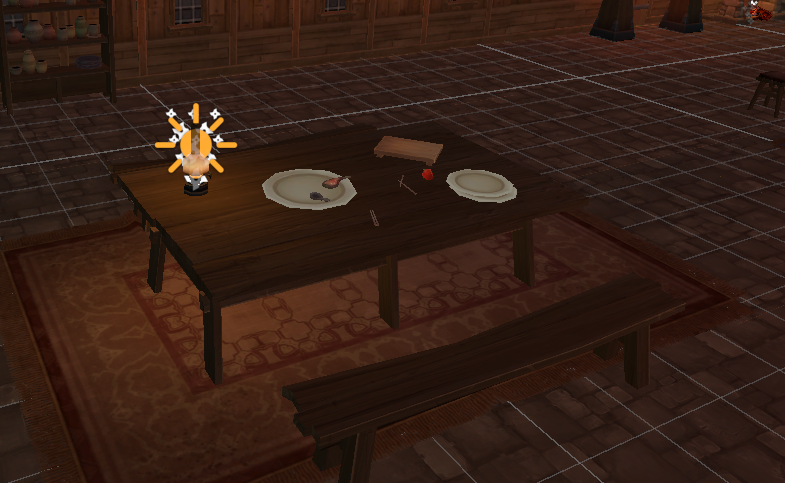
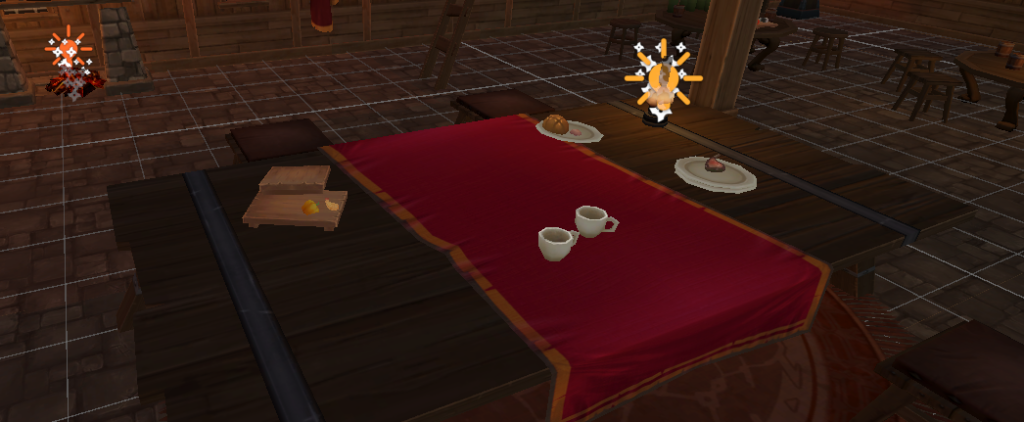
Environment
Code
Player Movement
This script handles the basic player movement using the WASD keys (or arrow keys). The player’s movement is controlled by translating the character in the world space based on horizontal and vertical input. The speed of movement is defined by the moveSpeed variable, which is adjustable. The script uses Unity’s Input.GetAxis to get the player’s input and applies it to the player’s position in real time, making the movement fluid and responsive. This basic movement system can be expanded with additional features, such as jumping, running, or more complex physics-based movement, depending on the project needs.
Player Movement
public class Player : MonoBehaviour
{
    // Movement speed of the player
    public float moveSpeed = 8f;

    void Update()
    {
        // Handle player movement based on input (WASD keys)
        float horizontalInput = Input.GetAxis("Horizontal");
        float verticalInput = Input.GetAxis("Vertical");

        // Determine the movement direction based on input
        Vector3 moveDirection = new Vector3(horizontalInput, 0, verticalInput);

        // Move the player based on the calculated direction and speed
        transform.Translate(moveDirection * moveSpeed * Time.deltaTime, Space.World);
    }
}
Minion Controller
The MinionController script manages the behaviors of spawned minions, including their animations and interactions with game objects. On minion spawn, the controller triggers animations, such as the “resurrect” animation for newly spawned minions, and ensures the correct animation is played for walking or dying. The script also handles the rotation of associated game objects (e.g., rotating tables) after the minion has finished its spawning animation. It includes functionality for globally triggering animations, such as making all minions “die” simultaneously.
Minion Controller
public class MinionController : MonoBehaviour
{
    private Animator minionAnimator;
    private static List<Animator> activeMinions = new List<Animator>();
    [SerializeField] public MinionSpawner minionSpawner;

    // Reference to the rotating tables
    [SerializeField] private RotatingTable[] rotatingTables; // An array to hold the rotating tables for each minion

    // Start is called before the first frame update
    void Start()
    {

        minionAnimator = GetComponent<Animator>();
        if (minionAnimator != null)
        {
            activeMinions.Add(minionAnimator); // Add to the active list
        }

        minionSpawner = GetComponent<MinionSpawner>();
    }

    public void PlayAudio()
    {
        // Error handling
    }

    // Update is called once per frame
    public void AnimateOnSpawn(Animator minionAnimator, int minionIndex)
    {
        if (minionAnimator != null)
        {
            minionAnimator.SetTrigger("resurrect"); // Trigger the spawn animation on the minion
            StartCoroutine(EnableRotationAfterAnimation(minionAnimator, minionIndex)); // Pass the minion index to enable the corresponding rotation
        }
        else
        {
            Debug.LogError("Animator not found on the spawned minion.");
        }
    }

    private IEnumerator EnableRotationAfterAnimation(Animator minionAnimator, int minionIndex)
    {
        // Wait until the animation is finished (normalized time is 1)
        while (minionAnimator.GetCurrentAnimatorStateInfo(0).normalizedTime < 1)
        {
            yield return null; // Wait for the next frame
        }

        //Enable the corresponding rotation for the minion (optional)
        if (rotatingTables != null && rotatingTables.Length > minionIndex)
        {
            rotatingTables[minionIndex].enabled = true; // Enable the rotation for the specific table
            AnimationWalk(minionAnimator);
        }
        else
        {
            Debug.LogError("Rotating table not found for this minion.");
        }
    }

    public void AnimationWalk(Animator minionAnimator)
    {
        if (minionAnimator != null)
        {
            minionAnimator.SetBool("startWalk", true);
        }
    }

    private void OnDestroy()
    {
        if (minionAnimator != null)
        {
            activeMinions.Remove(minionAnimator); // Remove from the list when destroyed
        }
    }

    public static void AnimateAllMinionsDie()
    {
        foreach (var animator in activeMinions)
        {
            if (animator != null)
            {
                animator.SetTrigger("die");
            }
        }
    }

    public void AnimationCancel(Animator minionAnimator)
    {
        if(minionAnimator != null)
        {
            minionAnimator.SetBool("startWalk", false);
        }
    }

    public void AnimationDie()
    {
        if (minionAnimator != null)
        {
            minionAnimator.SetTrigger("Die");
        }
    }
}
Minion Spawner
This script handles the spawning of minions in a game. The spawner unlocks specific minions based on an index and instantiates them at a random position within predefined spawn areas. The minion’s spawn is managed by selecting a spawn area and generating a random position within its bounds. The minion’s animation is triggered on spawn using the MinionController, and the spawned minions are stored in a dictionary for easy reference.
Minion Spawner
public class MinionSpawner : MonoBehaviour
{
    public GameObject[] minionPrefabs;
    public List<Transform> minionSpawnAreas;
    private List<int> unlockedMinion = new List<int>(); // Stel de aanvankelijk ontgrendelde ingrediënten array in
    private int currentMinionAreaIndex = 0;
    public Dictionary<int, GameObject> spawnedMinions = new Dictionary<int, GameObject>();
    [SerializeField] public MinionController minionController;

    void Start()
    {
        minionController = GetComponent<MinionController>();
    }


    public void UnlockMinions(int index)
    {
        if (index < 0 || index >= minionPrefabs.Length)
        {
            Debug.LogError($"Invalid index: {index}. Check minionBoxPrefabs configuration.");
            return;
        }
        unlockedMinion.Add(index);

        Transform spawnArea = minionSpawnAreas[currentMinionAreaIndex];
        currentMinionAreaIndex = (currentMinionAreaIndex + 1) % minionSpawnAreas.Count;

        // Genereer ontgrendelde ingrediënten in het spawngebied
        Bounds bounds = spawnArea.GetComponent<BoxCollider>().bounds;
        Vector3 randomPosition = new Vector3(
            UnityEngine.Random.Range(bounds.min.x, bounds.max.x),
            bounds.center.y,
            UnityEngine.Random.Range(bounds.min.z, bounds.max.z)
        );

        GameObject newMinion = Instantiate(minionPrefabs[index], randomPosition, Quaternion.identity);
        newMinion.transform.SetParent(spawnArea.parent, true);
        spawnedMinions[index] = newMinion;

        Animator mAnimator = newMinion.GetComponent<Animator>();
        if (mAnimator != null)
        {
            minionController.AnimateOnSpawn(mAnimator, index);
        }
    }
}
Reflection
Looking at PlayerMovement, the input and movement logic are tightly coupled. Separating them would make the code more flexible and easier to manage. Also, I’ve hardcoded values like speed and jump force, which could be turned into constants or variables for easier balancing.
In MinionSpawner, the code for unlocking and spawning minions could be split into separate functions for clarity. Additionally, using object pooling instead of instantiating new minions each time would improve performance, especially when there are many minions in the game.
For MinionController, managing both animations and minion behaviors together is inefficient. Splitting these responsibilities into different components would make the code more modular. Using enums or a state machine for animation triggers would also improve readability and scalability.
These changes would make the code more maintainable and extensible in the long run.